Time cards and routes
Time cards and routes for the field
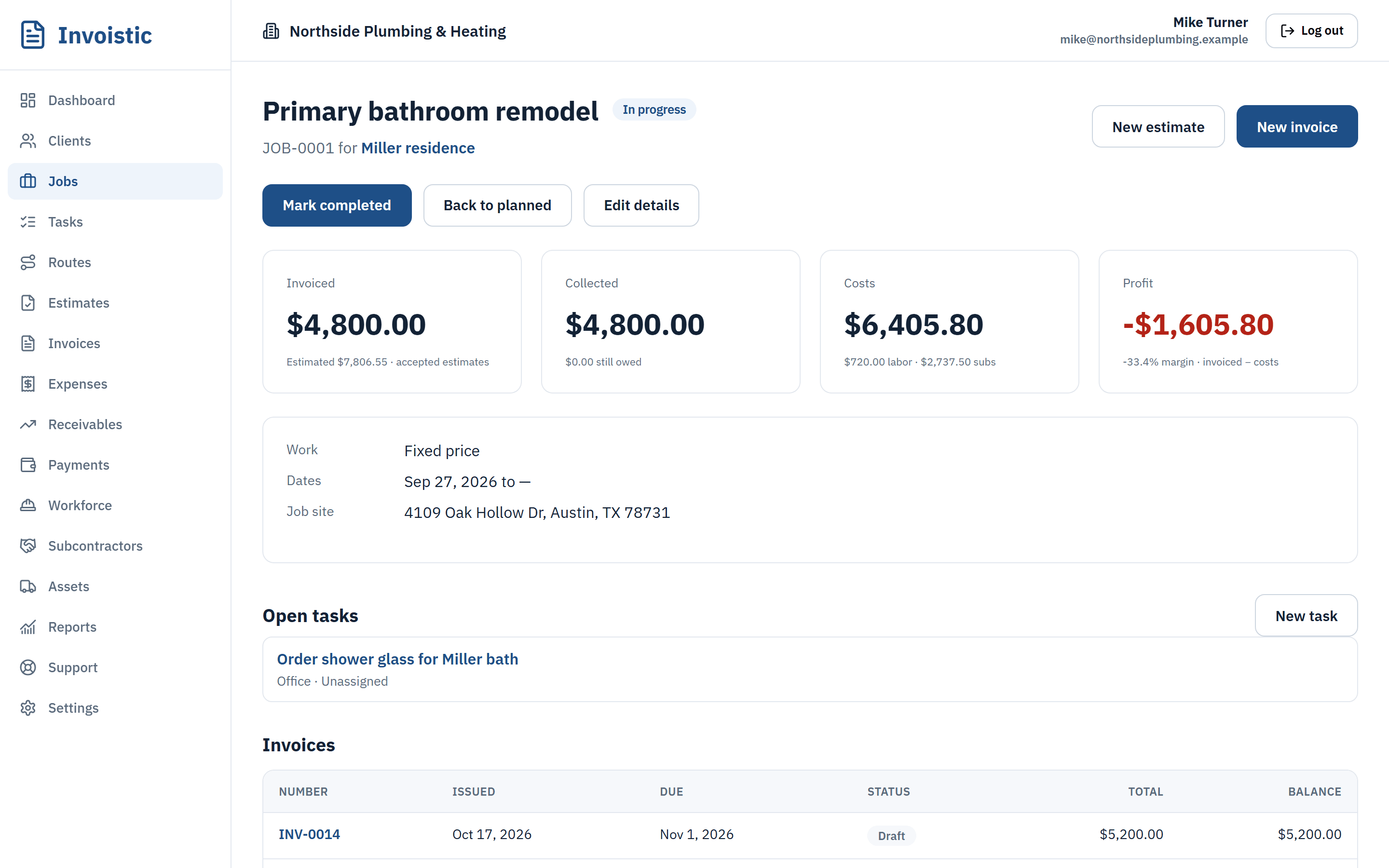
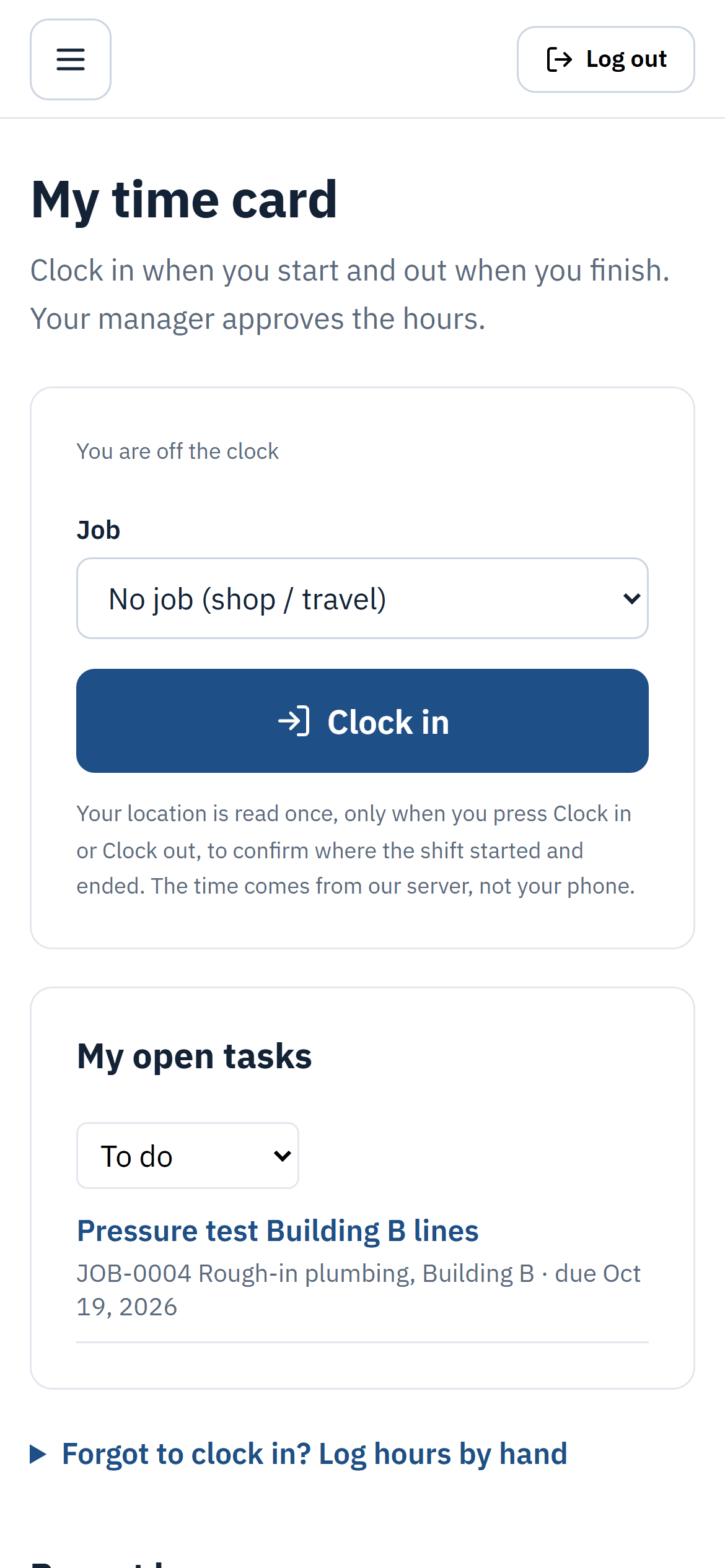
Your crew clocks in and out from their phones. You approve the hours, and the labor cost flows into each job. Plan the day’s stops on a map in the best driving order.
Why contractors use it
Clock in from the phone
Location is recorded only at clock in and clock out, never in the background.
Approve hours in bulk
Review the week, approve or reject entries, and approved labor lands in job cost.
Routes with maps
Pick the day’s jobs and tasks, optimize the order and see the miles and drive time.
How it works
Three steps
- Invite your crew and set each person’s hourly cost.
- They clock in and out on the job.
- You approve hours and plan tomorrow’s route.
Details
What’s included
- Roles: owner, admin, office and field
- Field workers see their time card, tasks and route, not your finances
- Team map of the latest punches
- Daily routes with up to 25 stops
On Pro (up to 5 users) and Business (unlimited users).
Related features
Estimates and invoicesSend professional estimates from the job site, get them approved online and turn them into invoices in one click.See estimates and invoices Online paymentsLet clients pay invoices by card, Apple Pay or Google Pay from a private link. Money goes to your own Square account and Invoistic adds no fee.Get paid faster with online payments Text invoices from your phoneSend the invoice link by text message from your own phone number, so your client sees a number they already know.See how texting an invoice works
Send your first invoice today
Free to start, no credit card. No fee on the payments you collect.