Subcontractors and equipment
Subcontractors, insurance and tools under control
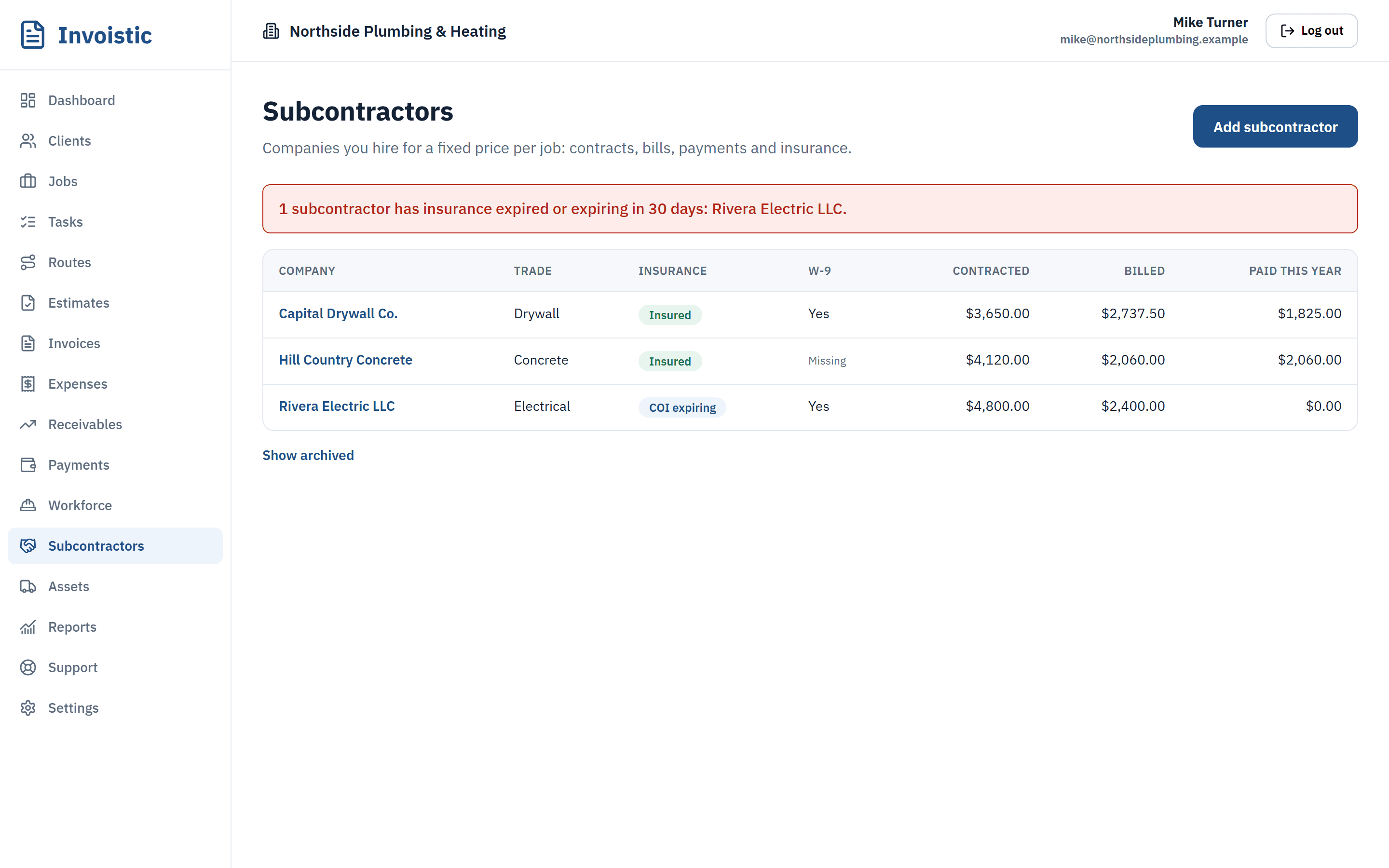
Keep a contract per job for each sub, record their bills and payments, and get an alert before their insurance expires. Know which tool is out, with whom, and on which job.
Why contractors use it
Contracts and bills
Fixed-price contracts per job, bills against them and payments, all in job cost.
Insurance alerts
See which subs have insurance expiring soon or already expired.
Equipment checkout
Check tools and vehicles out to people or jobs, with usage charged to the job.
How it works
Three steps
- Add your subcontractors and their insurance dates.
- Create a contract on the job and record bills.
- Pay them and track 1099 totals for the year.
Details
What’s included
- 1099 totals per subcontractor
- Bills and payments in job profit
- Equipment status and history
- Overdue checkouts flagged
On Pro and Business.
Related features
Estimates and invoicesSend professional estimates from the job site, get them approved online and turn them into invoices in one click.See estimates and invoices Online paymentsLet clients pay invoices by card, Apple Pay or Google Pay from a private link. Money goes to your own Square account and Invoistic adds no fee.Get paid faster with online payments Text invoices from your phoneSend the invoice link by text message from your own phone number, so your client sees a number they already know.See how texting an invoice works
Send your first invoice today
Free to start, no credit card. No fee on the payments you collect.