Estimates and invoices
Estimates your clients approve online, invoices in one click
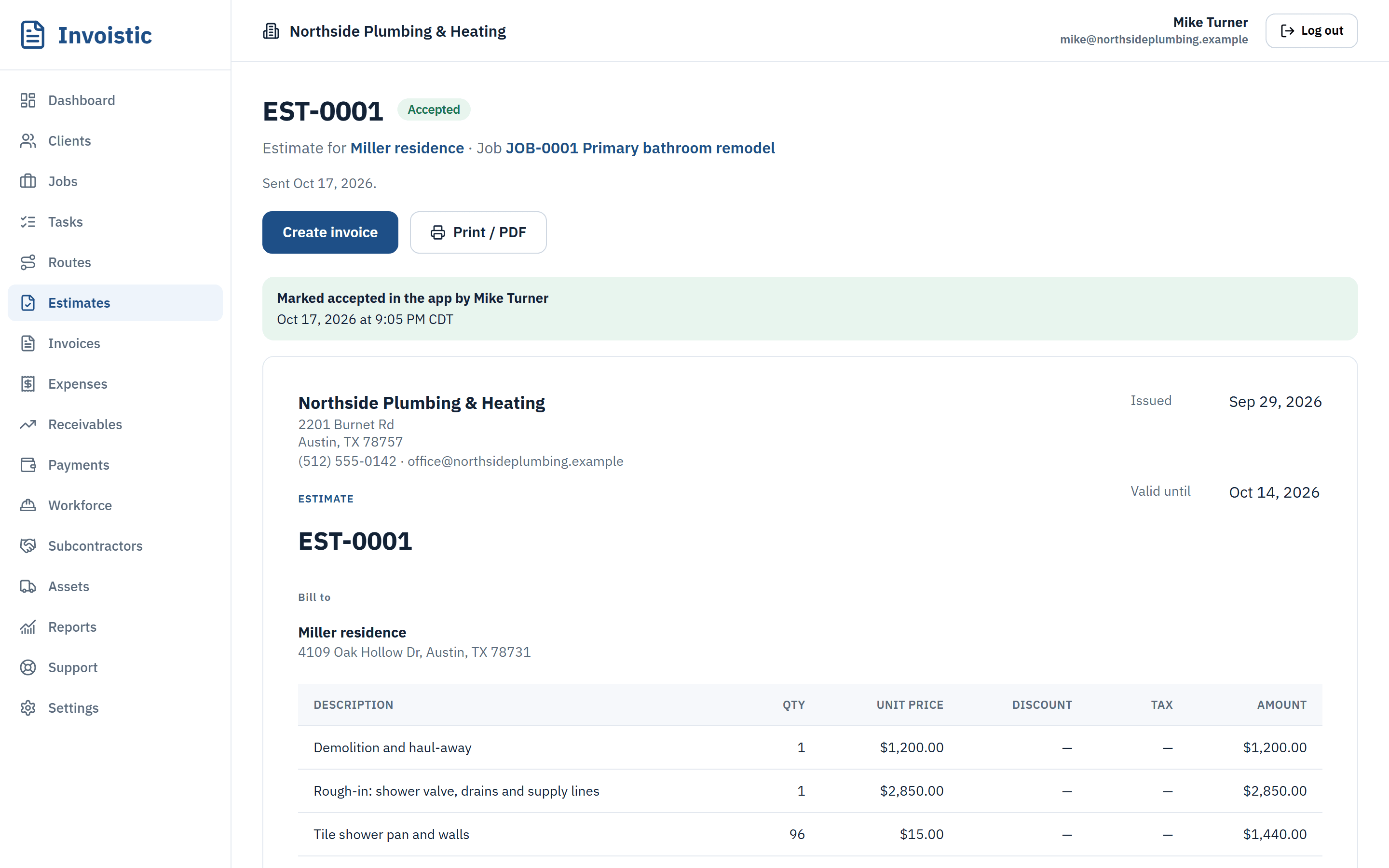
Price the job while you are still on site. Your client opens the estimate from a private link and approves it, and the invoice is ready with the same lines, tax and terms.
Why contractors use it
Quote on the spot
Lines with quantities, unit prices, discounts and tax, calculated as you type. Fractional quantities like 12.5 hours work exactly.
Approval without paperwork
Clients approve or decline from a private link on any device, with no account to create. You see when they opened it.
One click to invoice
An approved estimate becomes an invoice with the same client, lines and terms, linked to the job.
How it works
Three steps
- Create the estimate and add your lines.
- Text the link from your phone or email it with the PDF.
- When the client approves, click “Create invoice”.
Details
What’s included
- Automatic numbering per company (EST-0001, INV-0001)
- Your logo, address and footer on every document
- Payment terms and due dates
- Retainage held on commercial work
- PO or reference number on the document
- Server-made PDF for download and email (Standard and up)
Free includes 5 estimates and invoices a month; Standard and up are unlimited.
Related features
Online paymentsLet clients pay invoices by card, Apple Pay or Google Pay from a private link. Money goes to your own Square account and Invoistic adds no fee.Get paid faster with online payments Text invoices from your phoneSend the invoice link by text message from your own phone number, so your client sees a number they already know.See how texting an invoice works Job profit and reportsSee the profit and margin of every job from invoices, expenses, approved labor, subcontractor bills and equipment.See what each job made
Send your first invoice today
Free to start, no credit card. No fee on the payments you collect.