Expenses and receipts
Expenses and receipts, sorted by job
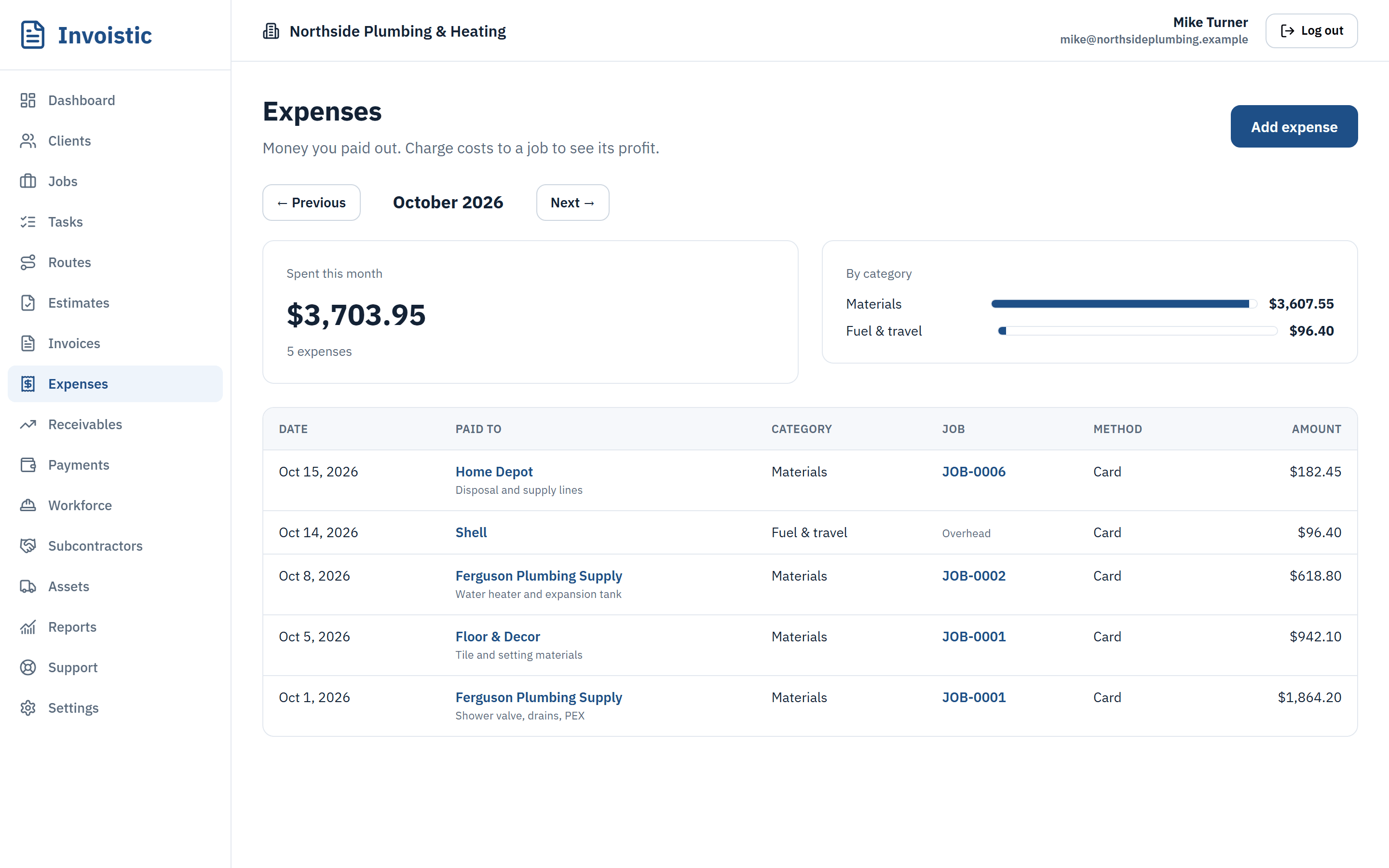
Log the cost at the store, snap the receipt and charge it to the job. At the end of the month the totals are already by category.
Why contractors use it
Charged to the job
Every expense can belong to a job, so job profit is always current.
Receipts kept safe
Photos and PDFs are scanned for malware and stored privately, attached to the expense.
Monthly totals
See spending by category and month, and the net cash on your dashboard.
How it works
Three steps
- Add the expense: vendor, amount, date and category.
- Attach a photo or PDF of the receipt.
- Charge it to a job, or keep it as overhead.
Details
What’s included
- Categories and monthly totals
- Receipt photos and PDFs (Standard and up)
- Private, virus-scanned file storage
- Expenses roll into job profit
Expenses on every plan; receipt photos on Standard and up.
Related features
Estimates and invoicesSend professional estimates from the job site, get them approved online and turn them into invoices in one click.See estimates and invoices Online paymentsLet clients pay invoices by card, Apple Pay or Google Pay from a private link. Money goes to your own Square account and Invoistic adds no fee.Get paid faster with online payments Text invoices from your phoneSend the invoice link by text message from your own phone number, so your client sees a number they already know.See how texting an invoice works
Send your first invoice today
Free to start, no credit card. No fee on the payments you collect.