Text invoices from your phone
Text the invoice before you leave the driveway
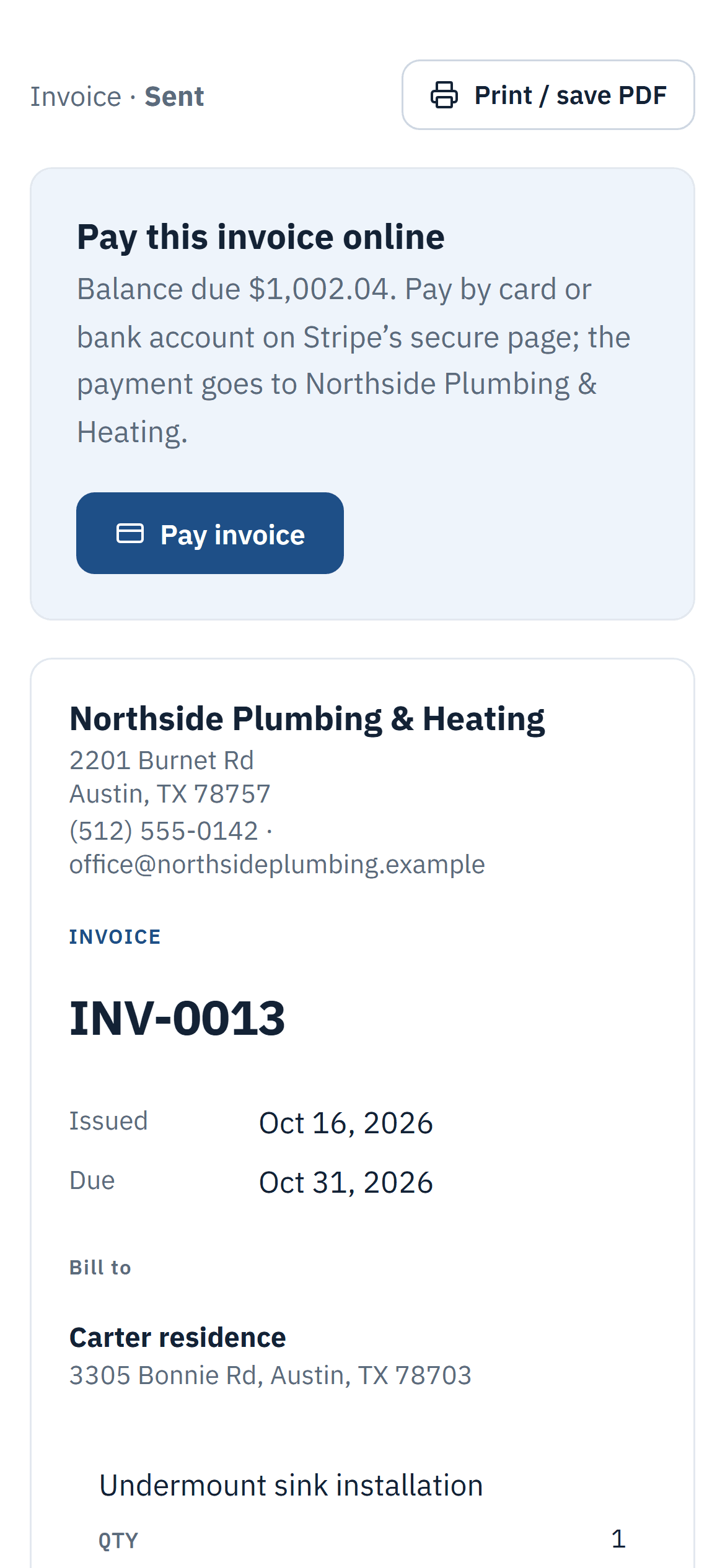
Tap “Text to client” and your phone’s messaging app opens with the invoice link and a short message ready. It goes from your own number, the one your client already has saved.
Why contractors use it
From your own number
Clients trust a message from you more than one from an unknown company number, so it gets opened.
Ready-made message
Company name, invoice number, amount, due date and the private link, already written for you.
Works for estimates too
Text an estimate the same way, and your client can approve it from the link.
How it works
Three steps
- Open the invoice or estimate.
- Tap “Text to client” and check the number.
- Your messaging app opens; tap send.
Details
What’s included
- The document is marked as sent
- The client’s number is saved for next time
- Copy the link instead, to share it anywhere
- A new link replaces the previous one
- Available on every plan, including Free
Related features
Estimates and invoicesSend professional estimates from the job site, get them approved online and turn them into invoices in one click.See estimates and invoices Online paymentsLet clients pay invoices by card, Apple Pay or Google Pay from a private link. Money goes to your own Square account and Invoistic adds no fee.Get paid faster with online payments Job profit and reportsSee the profit and margin of every job from invoices, expenses, approved labor, subcontractor bills and equipment.See what each job made
Send your first invoice today
Free to start, no credit card. No fee on the payments you collect.